
Your building. Your footage. Your council’s call.
Condo Security Cameras for the Lobby, Parkade and Amenity Rooms
The clip, when council needs it.
Council and the manager find, save and share footage without waiting on anyone.
Since 2013. Vendor security policy work for HSBC and Hang Seng Bank. KDM Industries, a client for over 10 years.

The footage was gone before anyone looked
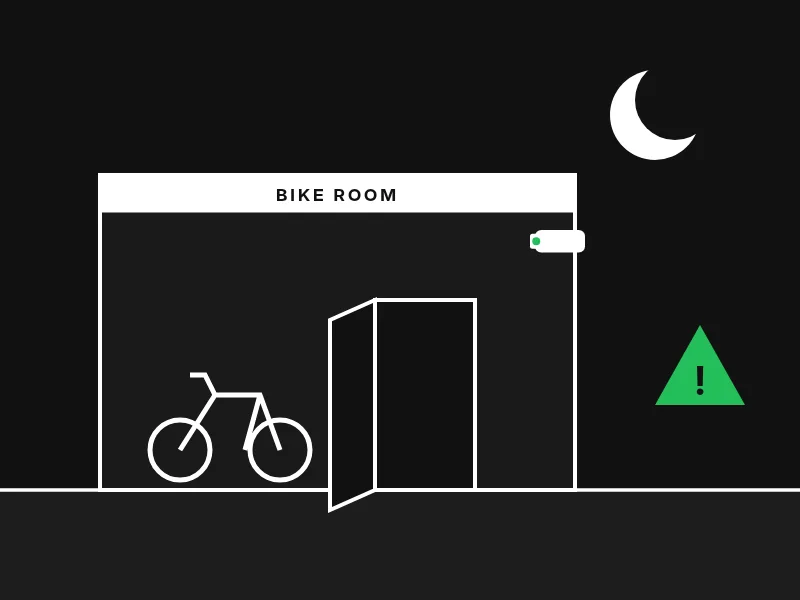
A theft.
A Vancouver strata asked its security company for the video.
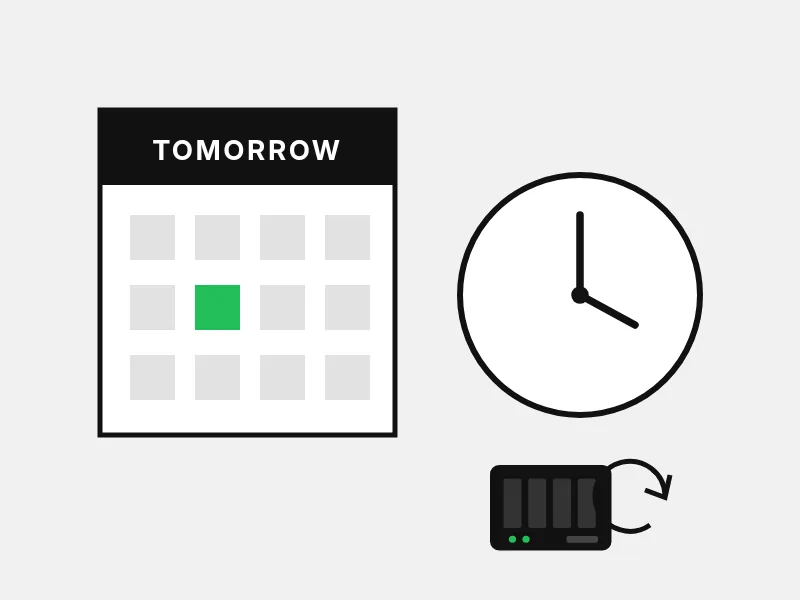
The wait.
The reply was slow. The recorder recorded over the evidence.
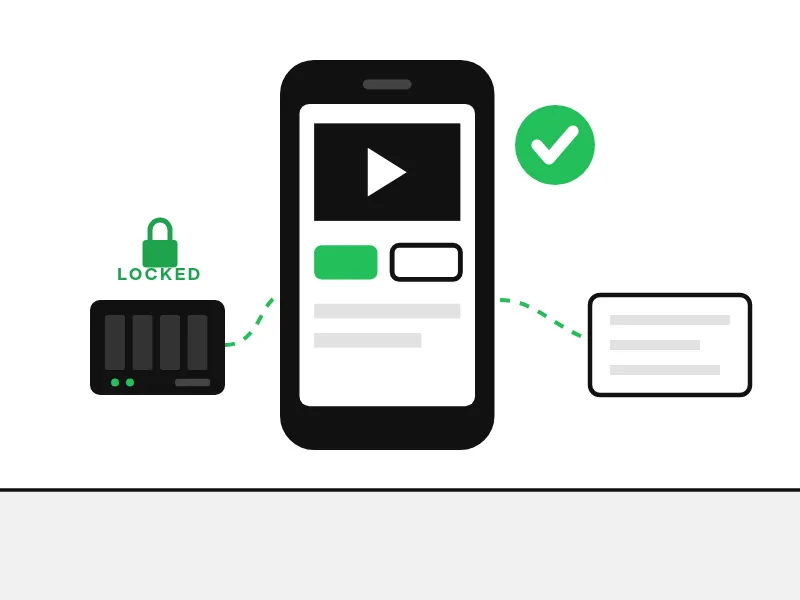
With us.
Council can save the clip and share it with police the same day.
Condo security cameras council can actually use
Footage council can reach
Council and the manager get their own accounts. No outside company in the way.

Clips that stay put
Lock a clip so it is never recorded over, then share it.

One number, answered 24/7.
Where condo security cameras go
Every camera gets a written purpose. Avigilon is our usual pick. Exact models are chosen in your building’s design.

Lobby and lifts
A fisheye sees the whole lobby. A dome faces the entry door. A corner camera sits flush in each lift.
Parkade
Multisensors at ramps, bullets down aisles, and an alert when someone crosses a line you draw.
Amenity rooms
Cover the door, not the workout. Kisi opens the door only in booked hours.
Who sees what
Council and the manager
Their own accounts, only the rights they need.
Owners
A live view of selected common areas only if council approves, with signs posted.
Everyone
Every view and export is logged. Footage is kept for a set time, in writing.
Our picks for strata security cameras
Own it in the building, or run it in the cloud with Rhombus or Cisco Meraki. Council picks.
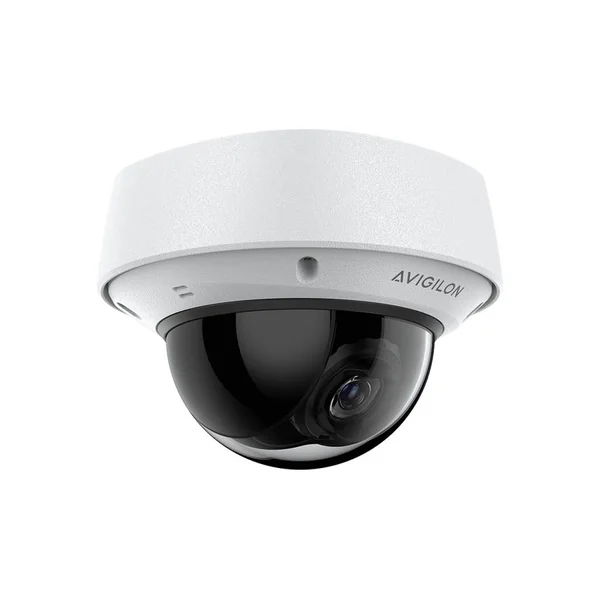
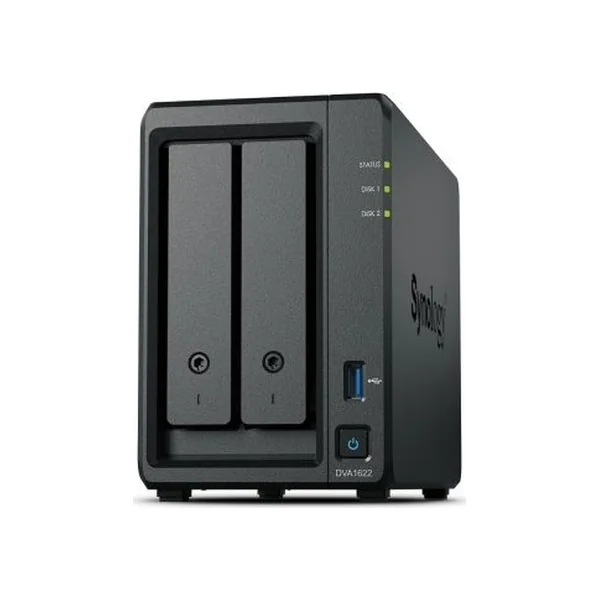
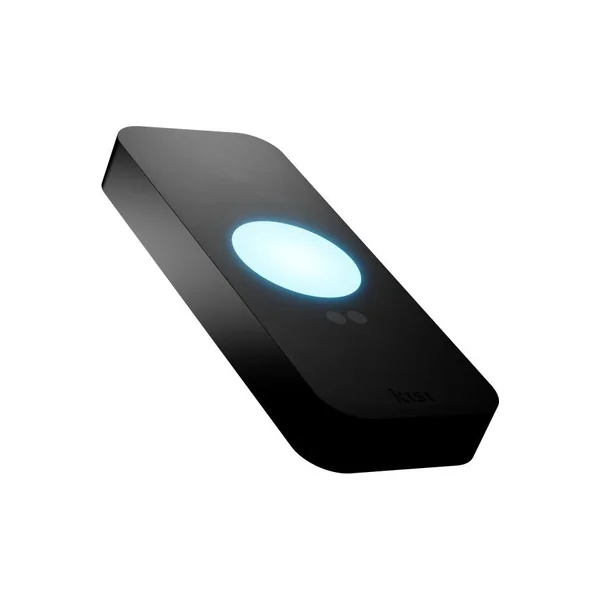
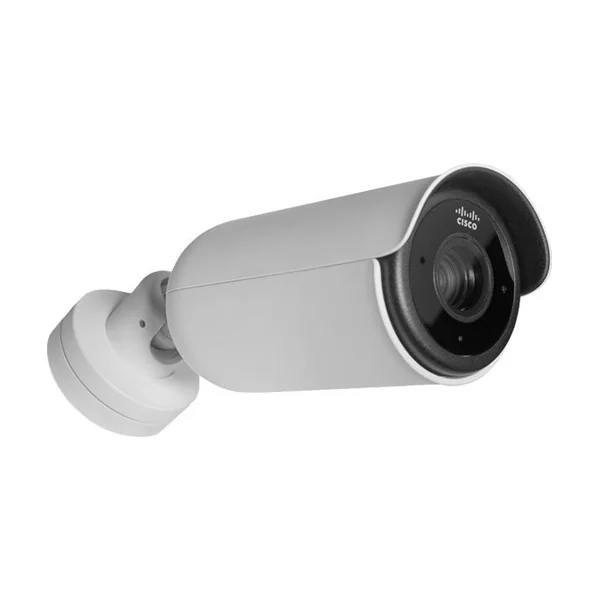
ONVIF compatible, so existing cameras can often stay. Also good: Hanwha Vision and Rhombus. ButterflyMX for gates is covered on our strata page.
How we start

1. Free consult. We listen first.
2. Paid site survey. Scoped and quoted with you before work begins.
3. Pilot. One building, real footage, before you commit.
Go deeper
Questions councils ask
Can we keep our existing cameras?
Often, yes. ONVIF compatible, so cameras from many brands can record to one Synology system. We test each model during the survey.
What happens when the internet goes down?
With a Synology recorder, recording, viewing and search keep working on the building network. Cloud cameras keep recording and remote access returns with the connection.
How do we hand a clip to police?
With cloud cameras, share a link from the app. With Synology, lock the clip, download it and show it was not altered with Evidence Integrity Authenticator.
Can every owner watch the cameras?
No. Owners only see a live view of selected common areas if council approves it, with signs posted.
Do cameras have to be on all the time in the gym?
No. We usually cover the entrance, and council decides each camera’s purpose.